

⚡ Try It Free Right Now
Run a 15-Minute Instant Free Trial
No card. No account. It auto-stops after 15 minutes — zero risk, zero commitment.
If you’ve ever tried to keep a stream running for days at a time, you already know the problem — your laptop overheats, your internet drops for two seconds, and suddenly your “24/7 stream” has been offline since 3 AM. Pre-recorded livestreaming exists to solve exactly that headache, and it’s one of the areas where StreamKite quietly does a lot of heavy lifting.
Instead of your computer pushing the stream live, StreamKite takes your video files and streams them straight from the cloud — on a loop, for as long as you tell it to. Upload once, hit start, and walk away. Literally.
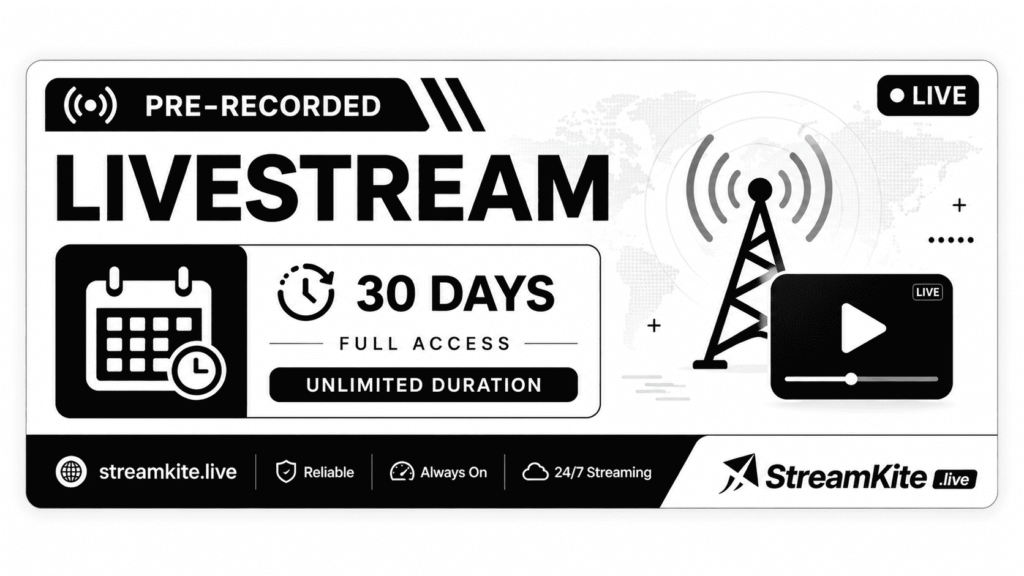
What “30 Days | 5 Concurrent Streams | Unlimited Duration” Actually Means
This isn’t a marketing phrase — it’s a real limit (or rather, the lack of one) baked into how the platform works. Here’s what it breaks down to in practice:
- 30 Days Runtime — Your stream can stay live continuously for a full month without you touching it. No manual restarts, no “keep the tab open” tricks.
- 5 Concurrent Streams — You’re not limited to one channel. Run five separate streams at the same time — think YouTube, Twitch, and Facebook all going live simultaneously from different video sets.
- Unlimited Duration — There’s no hidden cap on total streaming hours. If your content loop needs to run non-stop for weeks, it will.
Why This Matters More Than It Sounds
A lot of streamers only realize they need this after something goes wrong — a stream crashes mid-broadcast, or they simply can’t afford to leave a PC running around the clock. StreamKite was built around that exact pain point, and a few features make the “set it and forget it” promise actually hold up:
- Auto Crash Recovery — If a stream drops for any reason, it’s back live in under 5 seconds. No dead air, no missed viewers.
- Playlist Looping — Queue multiple video files and let them loop endlessly, in the order you set.
- Smart Scheduler — Set a weekly timeline with blackout windows, so your stream runs exactly when you want and pauses when you don’t.
- Bulk Slot Creation — Spin up all 5 of your concurrent streams in under a minute, keys and all.
- Real-Time Analytics — Check bitrate, stability, and uptime for every single slot from one dashboard.
Whether you’re running a 24/7 music channel, a background ambiance stream, a looping product showcase, or five different niche channels at once, the combination of long runtime and multiple concurrent slots means you’re not babysitting anything. You set it up, StreamKite keeps it alive.
Curious what it actually looks like before committing? The 15-minute free trial above needs nothing from you — no signup form, no payment details — just click and watch it run.